Viralyc, inside Claude and ChatGPT
Ask the AI you already use for a post, a campaign or last month's numbers. Viralyc does the work.
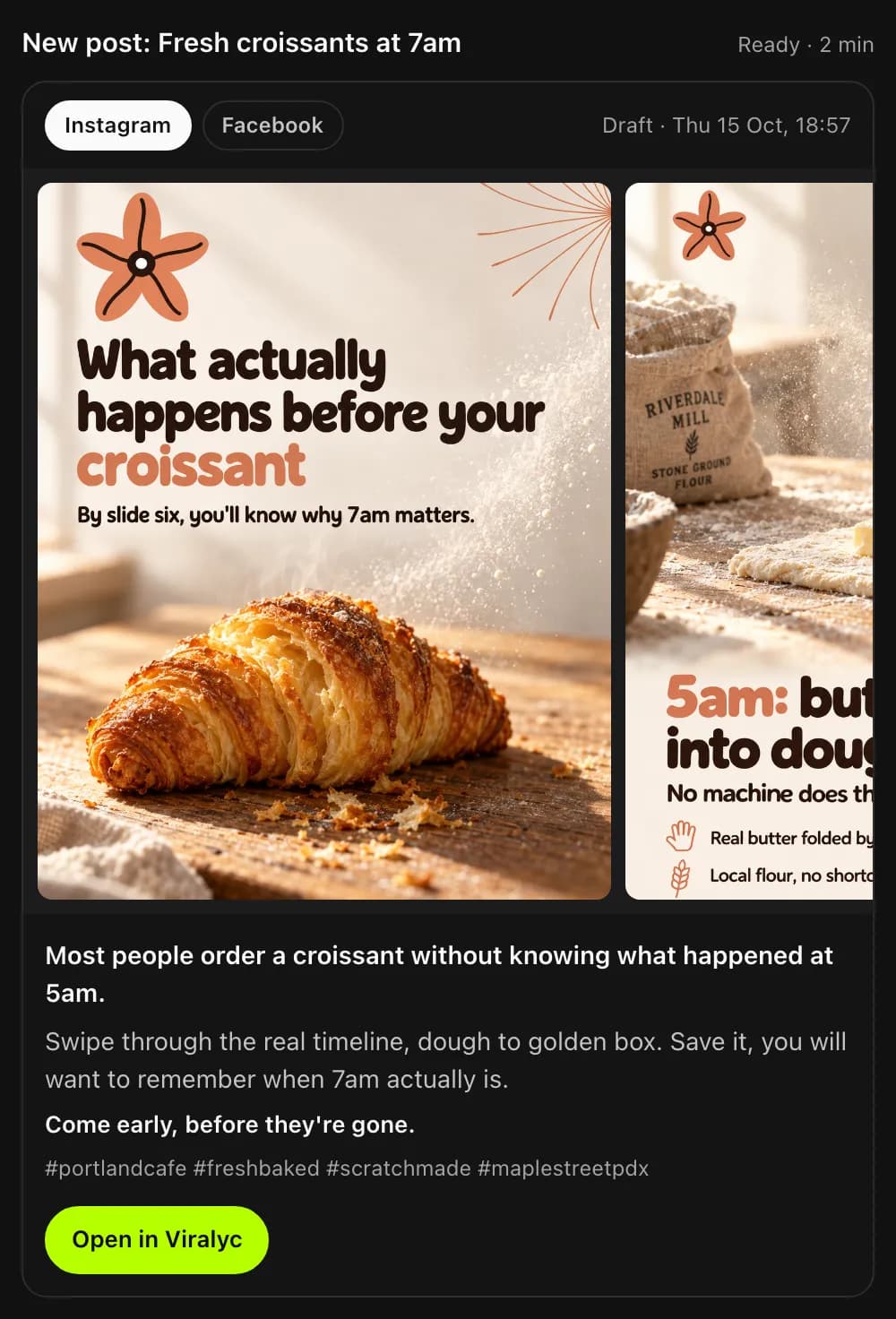
Connect it once
Paste one address in the app you use, then sign in to Viralyc. That's the whole setup.
Connector address
viralyc.com/mcp
- 1In Claude, open Settings and go to Connectors.
- 2Choose Add custom connector.
- 3Name it Viralyc, paste the address and add it.
- 4Tap Connect, sign in to Viralyc and allow it.
- 1You need a paid ChatGPT plan with Developer Mode turned on.
- 2In ChatGPT, open Settings and go to Apps.
- 3Add a custom MCP server and paste the address.
- 4Sign in to Viralyc when it asks, and allow it.
- 1Claude Code, Cursor, VS Code and other MCP apps take the same address as a remote server.
- 2The first time, they open the Viralyc sign-in. After that it stays connected.
ChatGPT allows custom connectors only on paid plans with Developer Mode, and on some plans only for reading, not creating or publishing. Claude is the simplest place to start.
Then just ask
- “Make a post for Friday about our weekend brunch.”
- “Plan a 3-post campaign for the summer sale and schedule it.”
- “How did last month go? What should we post more of?”
- “Turn our newest post into a reel.”
- “Move Thursday's post to 6pm.”
- “Write a reply to the comment on yesterday's post.”
- “Use the photo of the new menu for a Story.”
- “What's on the calendar next week?”
It tells you how it's going
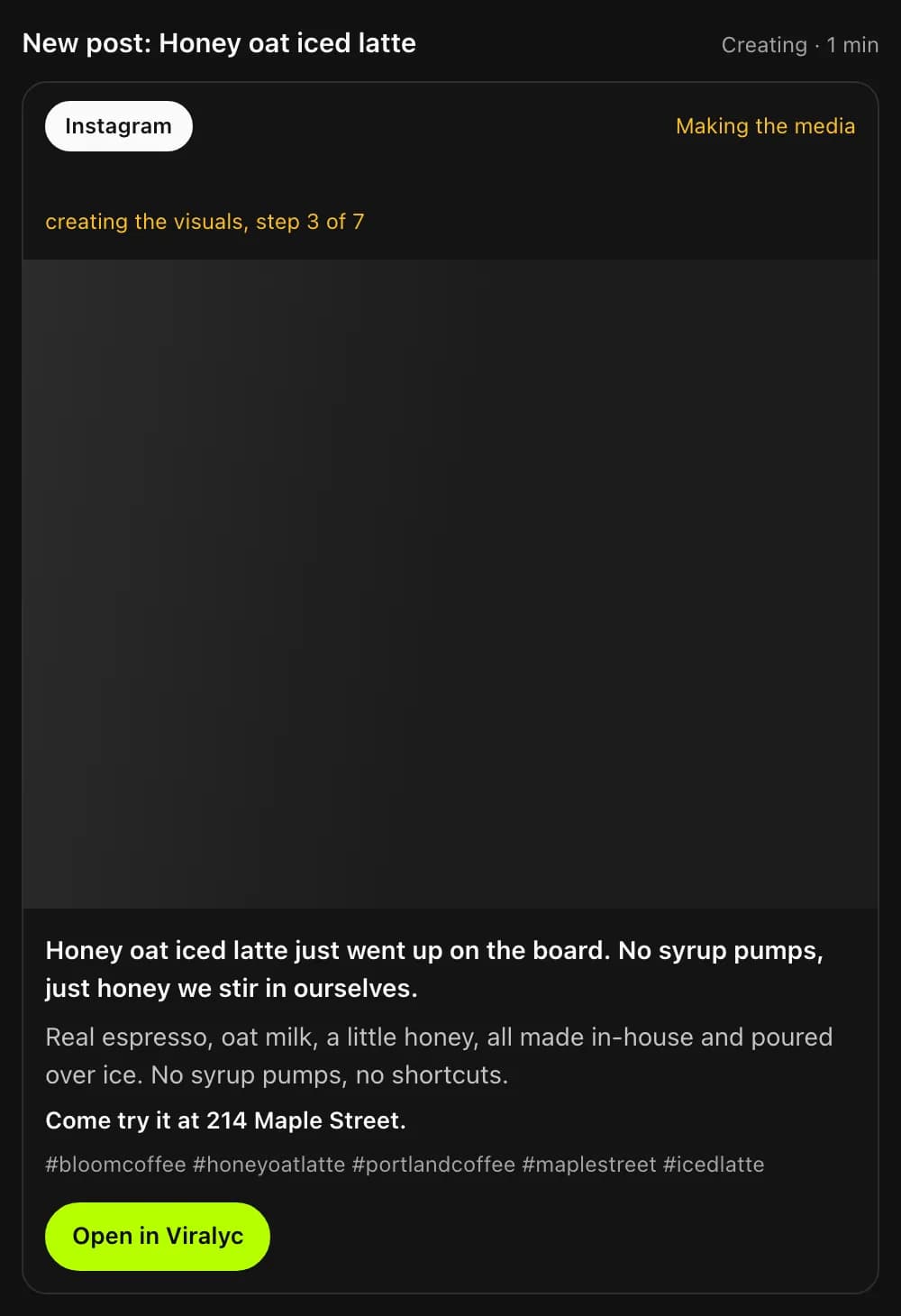
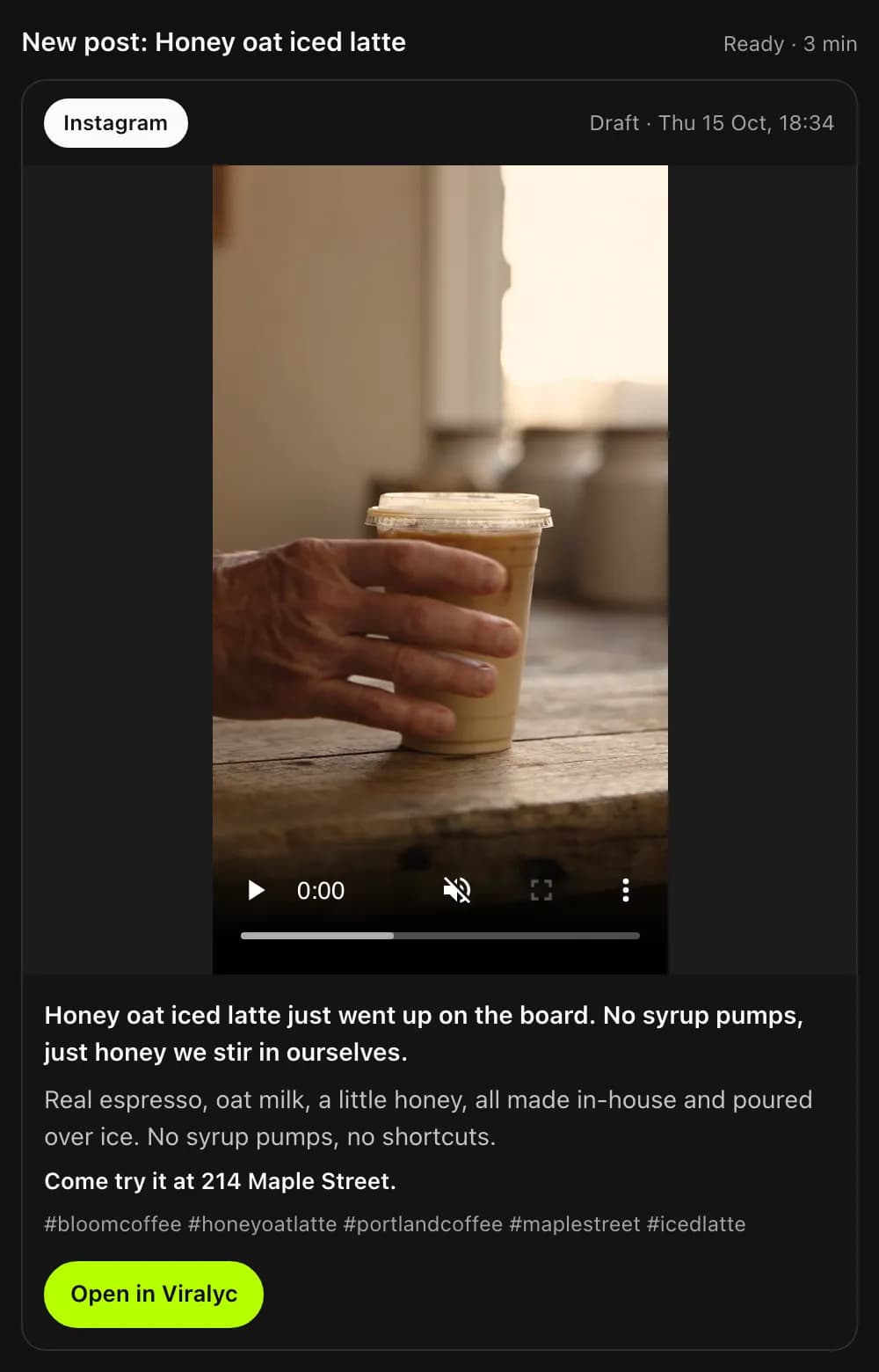
A reel takes a few minutes. The preview says how far along it is, then fills in with the finished video.
It's still your account
Claude or ChatGPT does the asking. Viralyc does the work, with the same rules as in the app.
- Same plan, no extra cost
- Posts, images and videos come out of your Viralyc plan. The free trial includes the connector.
- Read only, if you prefer
- When you connect, choose whether it can only look, or also create and publish for you.
- Nothing goes public on its own
- By default the AI app asks you before it publishes, deletes a post or replies in public.
- Disconnect in one tap
- Account → AI apps lists every app you connected. Disconnect ends its access at once.
Questions about the connector
What does it cost?
Nothing extra. It uses the posts, images and videos in your Viralyc plan, the same as the app. The free trial works too.
Which AI apps work with it?
Claude (web, desktop and mobile), ChatGPT on paid plans with Developer Mode (some plans allow reading only), and apps that connect to remote MCP servers with OAuth, like Claude Code, Cursor and VS Code.
Does Viralyc see my other chats?
No. The AI app sends Viralyc only what it asks for on your behalf, like a post's topic and the details you gave for it.
Are the posts as good as the ones made in the app?
They're the same posts. The same Viralyc writes and designs them from your brand, photos and rules, and they land in your calendar.
Can it work on more than one business?
Yes. Every business on your account is there. Tell the AI which one, or it asks.
How safe is it?
You sign in to Viralyc yourself and approve the app. It gets a key that expires within the hour and renews only while you stay connected, and you can disconnect it any time.
In Claude or ChatGPT every day? Add Viralyc.
One address, and your social media runs from the chat.